01
A record that brings information together
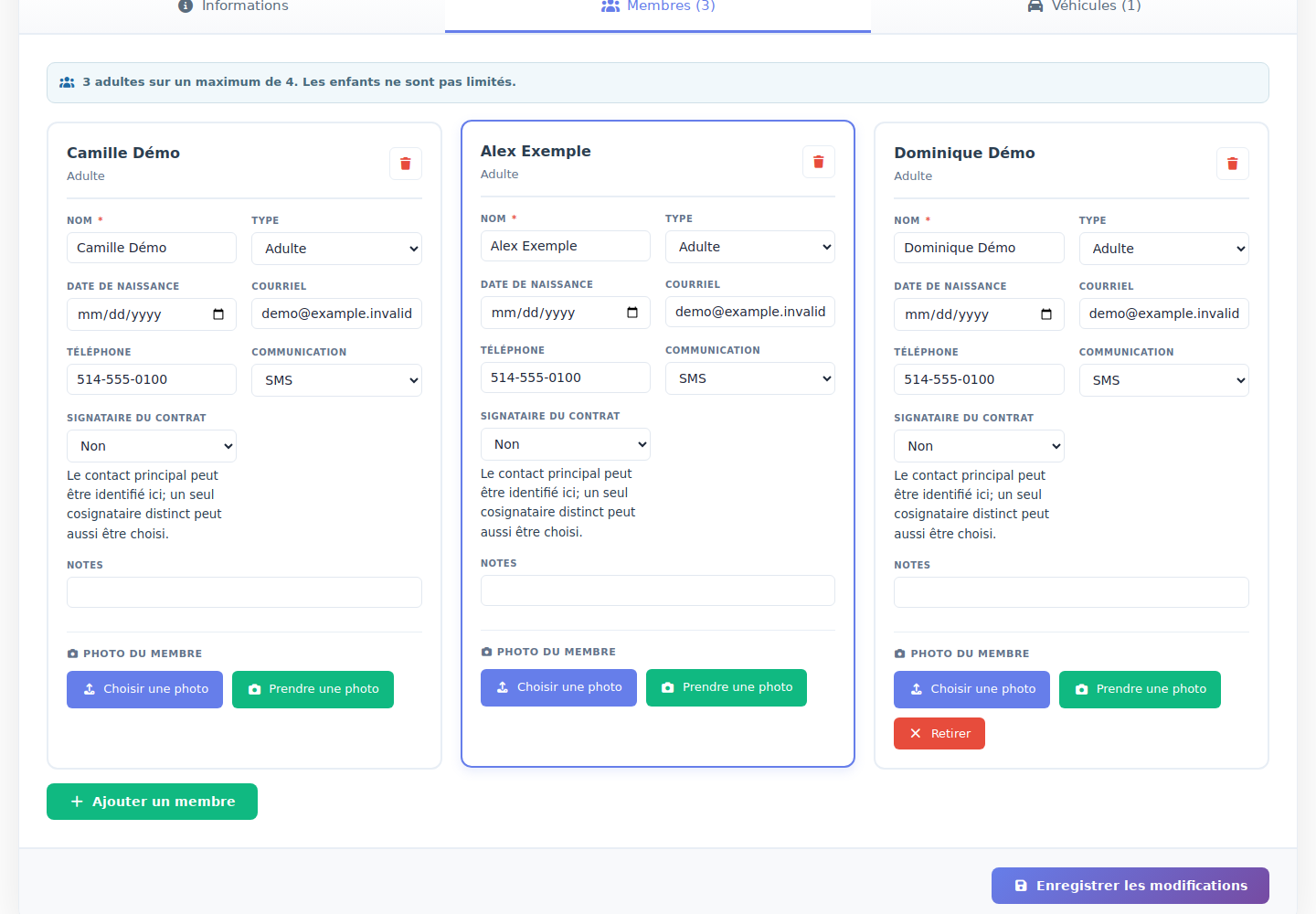
Keep contact details, members, vehicles and accommodation information in the record. Identify missing information and the people who need to sign.

CAMPGROUNDS · SEASONAL GUEST MANAGEMENT
Digital contracts, co-signers and renewals: make work easier for your team and the process simpler for your guests.
GET READY FOR NEXT SEASON
One process to invite seasonal guests, collect their responses and track what is still needed. Each guest follows their own link.
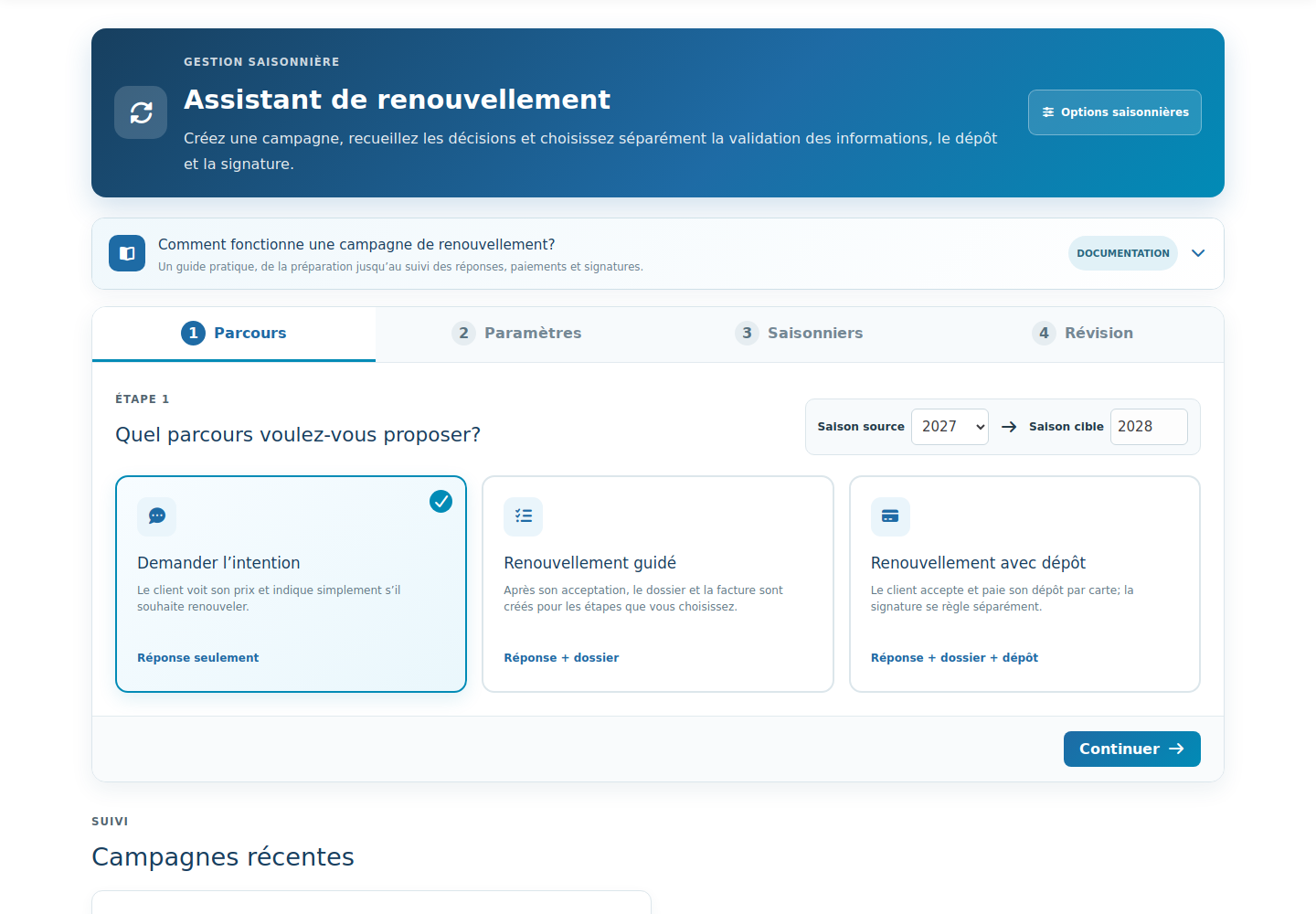
An expression of interest or a guided renewal: choose the seasons and steps that fit your campground.
Information review, deposit, contract, deadline and reminders: prepare the campaign for the way you work.
Select recipients and review the email before launching. Each invitation has its own personal link.
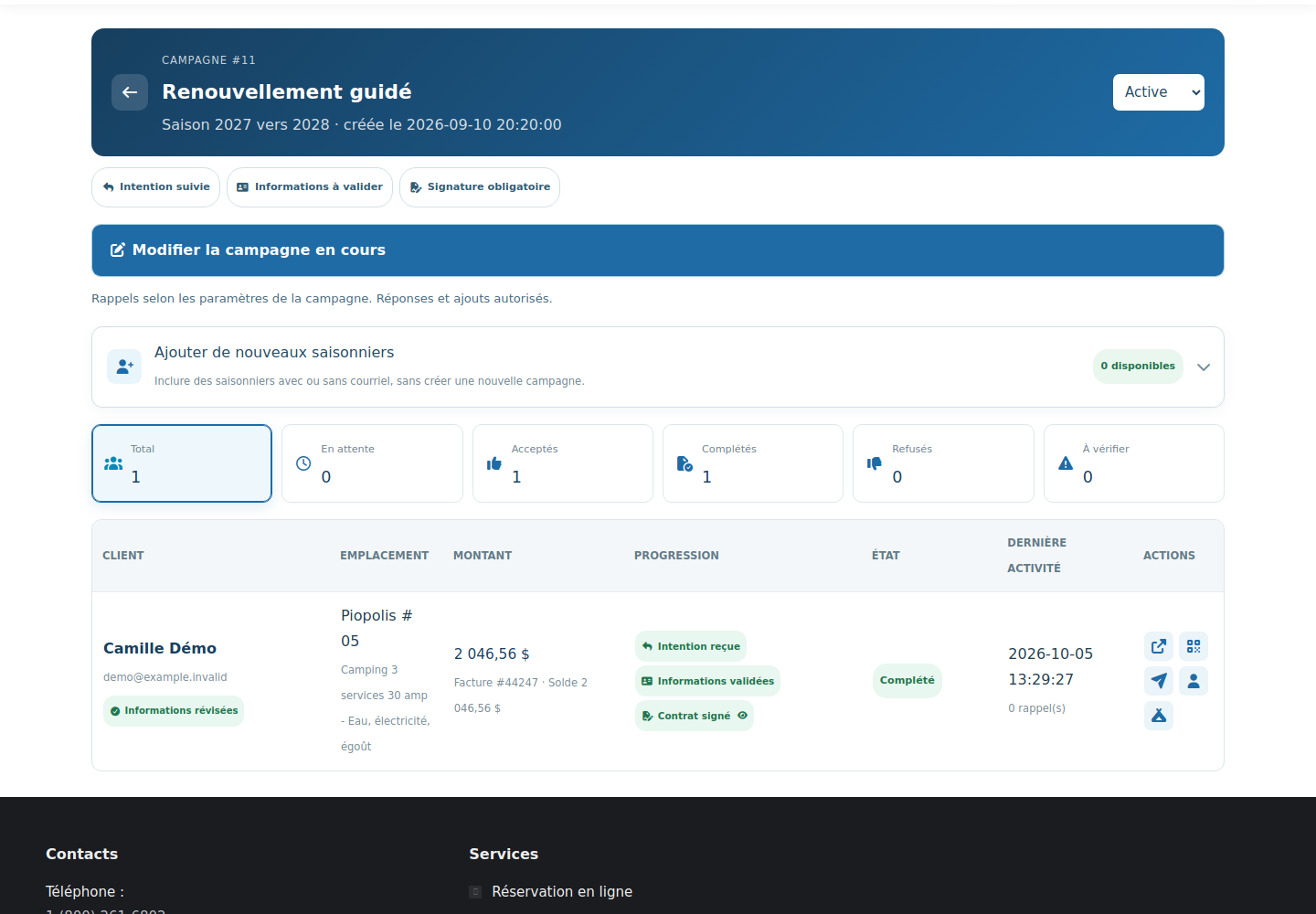
Response, information, payment and signatures: see completed steps and those that need your attention.
DIGITAL CONTRACTS AND CO-SIGNERS
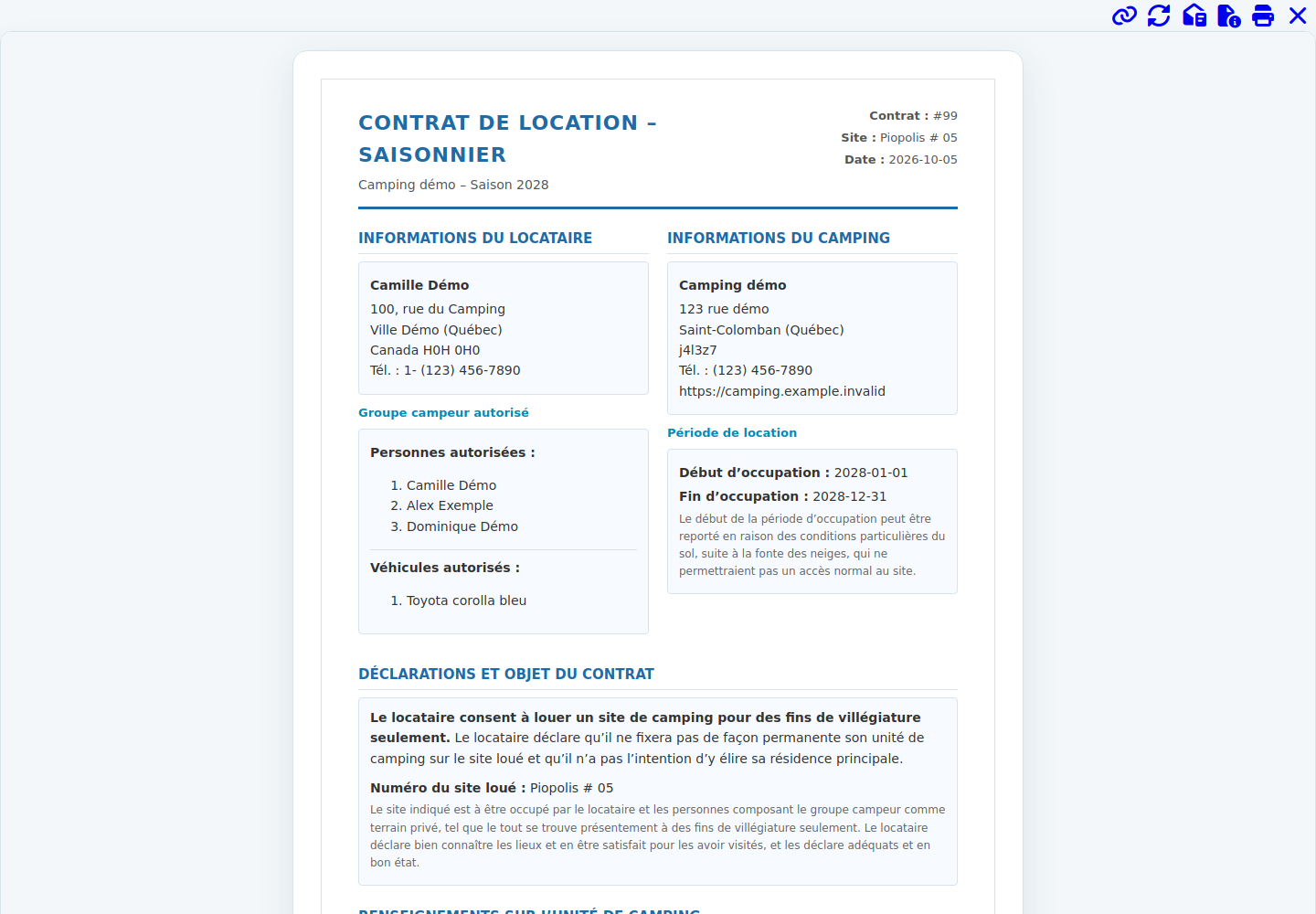
Use the guest record in a contract tailored to your campground. Signers review the document and complete their signatures through RéservPro.
EASIER FOR EVERYONE
Keep contact details, members, vehicles and accommodation information in the record. Identify missing information and the people who need to sign.
Guests review the offer, respond, check their information and complete the required steps: deposit, terms and contract signature, based on your settings.
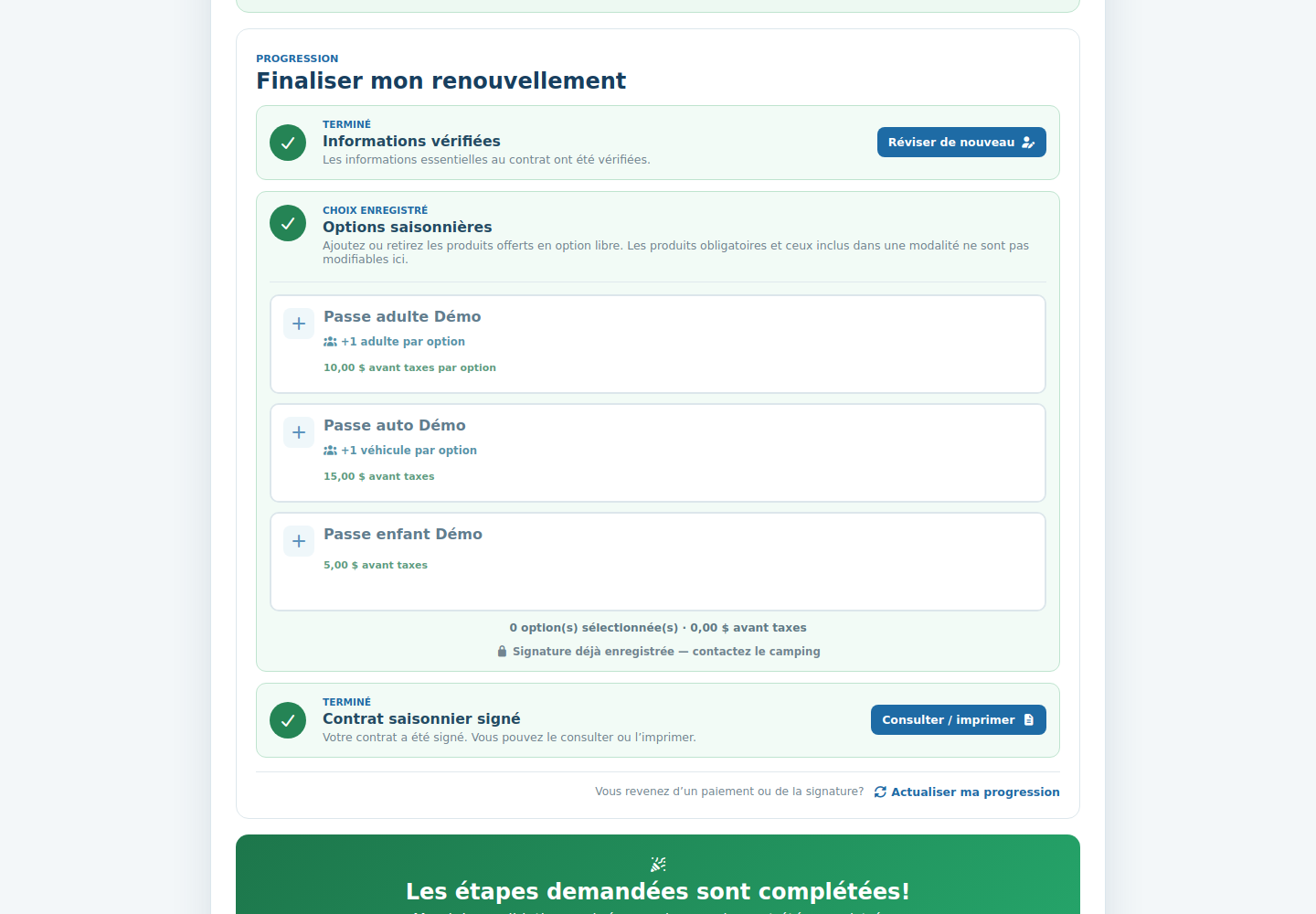
Actual RéservPro beta screenshots with demo data. Click a screenshot to enlarge it. Steps depend on your campground configuration.
YOUR QUESTIONS, ANSWERED
Yes. A campaign can ask whether guests intend to return before offering the other renewal steps. Choose the process that fits your operation.
You define the campaign steps. Deposits, information review and signatures follow your settings; a signature can be optional or required.
Tracking provides the personal link and QR code so your team can help at reception. Missing email addresses are flagged so you know who needs assistance.
This page presents seasonal guest tools for campgrounds. RéservPro also supports short stays, accommodations, activities, events and recreation.
NEXT SEASON STARTS HERE
Let’s explore how to simplify your contracts and next renewal campaign.